Introduction
Next, we’ll learn the frontend. First, make sure you’ve finished part one on TypeScript basics.
Before we start, let’s understand what the frontend and backend are. Imagine you are writing a calculator program. To support addition, you write a function like this:
function add(a: number, b: number): number { return a + b;}Now you can wrap it in a bit of simple code so users can use it directly:
// get user inputconst a = parseInt(prompt("Enter the first number"));const b = parseInt(prompt("Enter the second number"));// calculate the resultconst result = add(a, b);// show the resultalert(`The result is: ${result}`);This gives you a simple calculator program:
Enter the first number: 1Enter the second number: 2The result is: 3In this example, the add function is the backend, and the part where users enter and see values is the frontend. The backend processes data, and the frontend interacts with the user. In practice, though, a frontend rarely makes users type into a command line (apart from some very old systems). It uses a friendlier interface, like this:
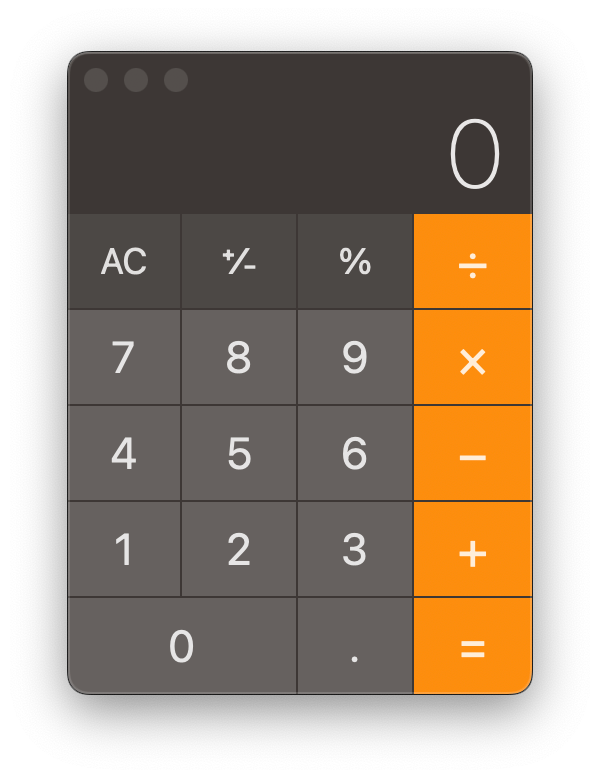
In this part of the course, I’ll show you how to build modern frontend pages like this with TypeScript.
Note: if you’re not familiar with TypeScript yet, complete TypeScript Quick Start first.